UX / UI Design

UX & UI Design

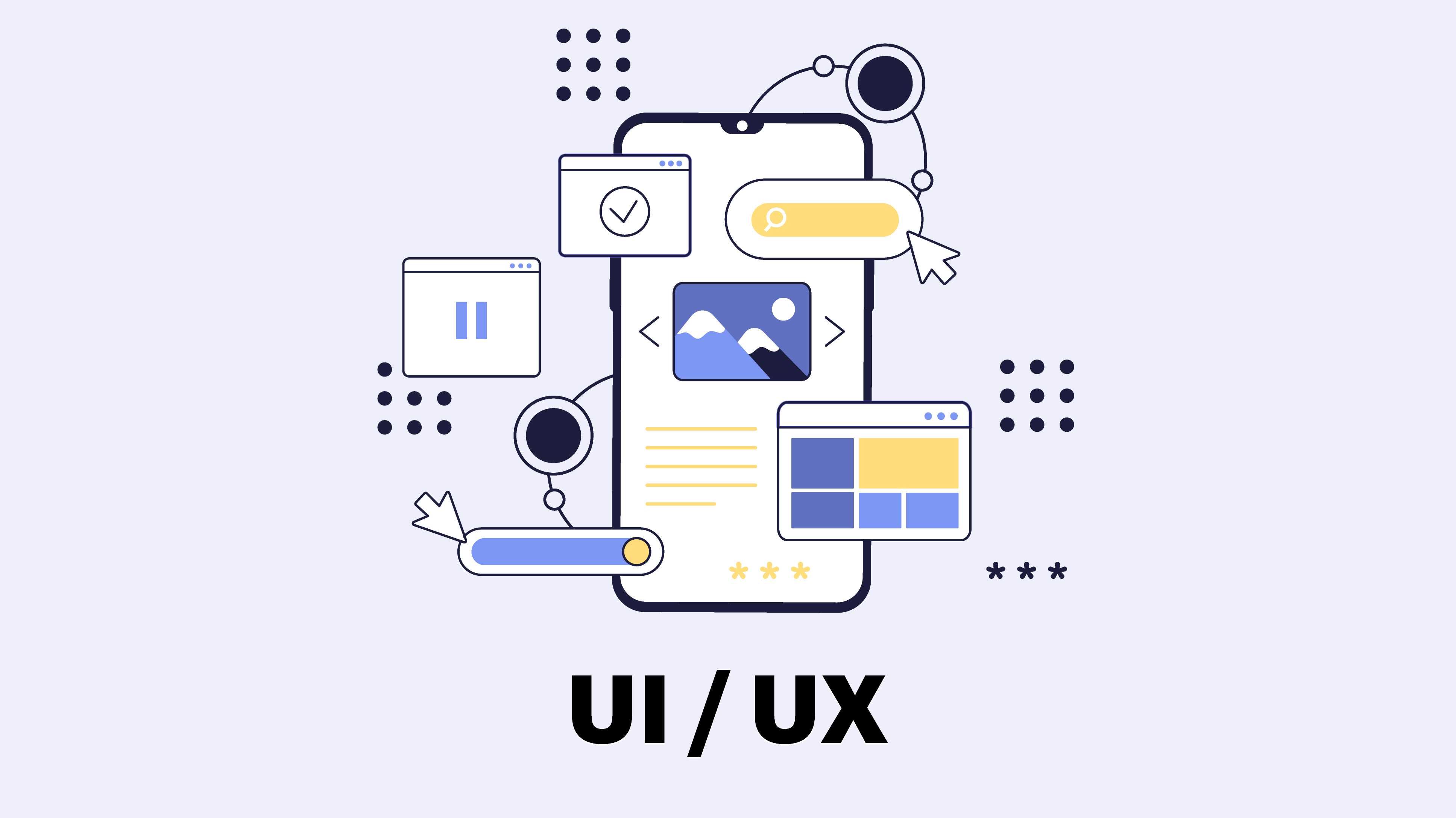
A beautiful interface alone does not deliver results if users do not know where to click. UX arranges the journey so it is easy and clear; UI is the look that makes it comfortable, attractive and consistent with your brand.

We start by understanding users and project goals, map flows and structures, then build interactive Figma prototypes you can test before any code is written.

What is included?

  • User understanding, journeys and pain points
  • Content structure and user flows
  • Wireframes
  • Interfaces in Arabic (RTL) and English
  • Interactive Figma prototypes for testing
  • A reusable design system and organized developer handoff

Why Neop?

Our designers work beside developers from day one, so designs are buildable, and we stay with you during development to review implementation.

How we start

We start with a session defining users, product goals and key journeys, then provide flows and wireframes for approval before full design.

UX & UI Design

process

UI&UX Design Process

  1. User Research & Behavior Analysis

    We begin by studying user behavior, needs, and the way users interact with similar websites or applications, while also analyzing the market and competitors to better understand challenges and opportunities. This stage helps us build a clear understanding of the target audience and define the most suitable UI&UX experience for them.

  2. Product Structure & User Experience Planning

    We plan the user journey and organize pages, services, and navigation flows in a way that makes the website or application more seamless and easy to navigate. Content and user steps are structured carefully to help users reach what they need quickly and without unnecessary complexity.

  3. User Interface Design

    We transform the user experience into digital interfaces that combine clarity with visual appeal by designing elements and layouts that reflect the brand identity and align with audience behavior and the way users interact with the product across different devices.

  4. Interactive Prototypes

    We develop interactive prototypes that simulate how the product will function in real use, allowing navigation flows, services, and user interactions to be tested before the development stage begins.

  5. Testing & Experience Optimization

    We continuously review and refine the UI&UX experience by testing how users interact with the product and identifying points that may cause confusion or difficulty. Based on these insights, we improve and optimize the experience to ensure smoother, more efficient day-to-day usability.

Success partners who trusted our expertise, and with whom we achieved real results across various projects.

Empowering your business with professional tools

We rely on advanced tools and technologies to deliver precise, efficient, and scalable solutions.

  • Figma
  • Photoshop
  • Illustrator

Executed Projects

Turning Vision into High-Impact Digital Experiences.

Frequently Asked Questions

What is the difference between UX and UI?

UX is about how easy and clear the journey is; UI is about the visual look of screens. A successful project needs both.

Do you deliver Figma files?

Yes. We deliver organized Figma files with the design system so your team or any developer can work with them.

Do you design for an existing app or website?

Yes. We review the current interface, identify issues and propose a full redesign or targeted improvements depending on impact.

Can the team handle design and development together?

Yes, and we prefer it because it reduces the gap between design and implementation.

How long does the design phase take?

It depends on the number of screens and flow complexity. We set the schedule after a scoping session.

An interface that serves users and your goals

Share your product idea or current interface and we propose scope and timeline. We reply within 24 hours.