
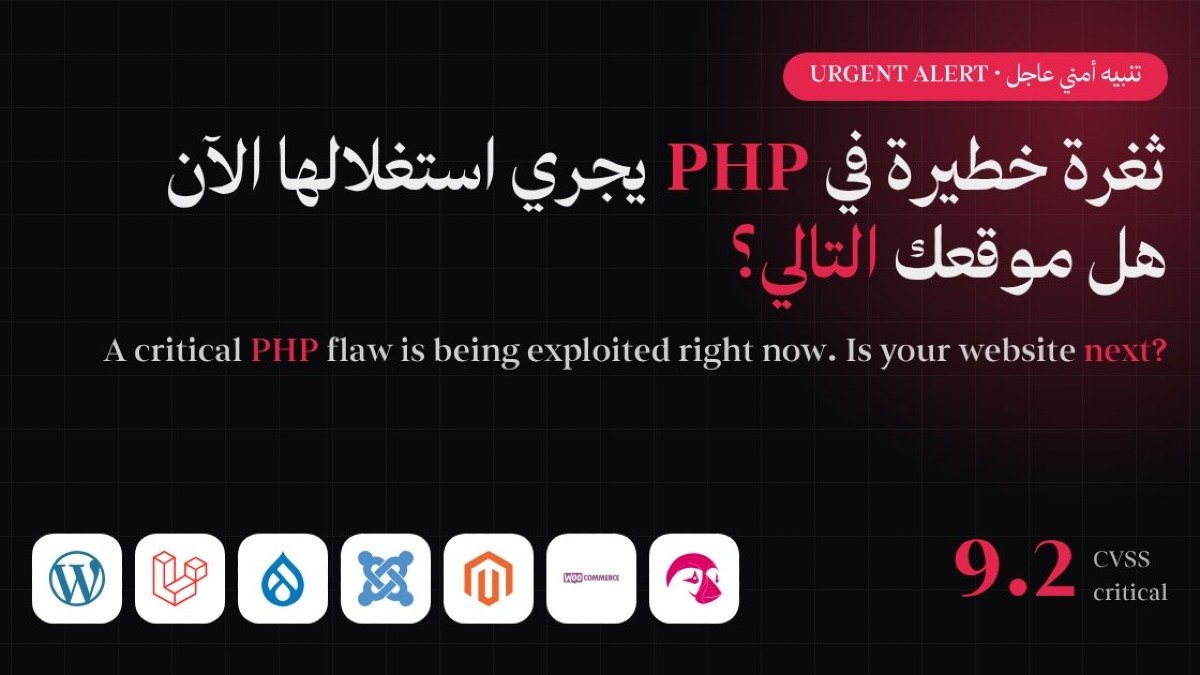
In short: two critical flaws were found in PHP itself, the language behind WordPress, Laravel, Drupal and most online stores. Attackers can use them to take control of a web server without a password, and attacks started before the fix was released. The fix is to update PHP today.
What happened?
On 21 October 2026 the PHP project released an emergency security update for two critical vulnerabilities, CVE-2026-109618 and CVE-2026-109619, known together as PHP2Shell. Each is rated 9.2 out of 10 on the CVSS v4.0 scale, and each can let an attacker run commands on a web server without logging in.
Details leaked before the planned disclosure date. Amazon's threat intelligence team traced an exploitation attempt back to 17 October, four days before the fix, and Cloudflare reported attempts climbing from tens of thousands to millions within about a day of disclosure.
Is your website affected?
If your website, online store or system runs on PHP, it is. That includes anything built on:
- WordPress and WooCommerce
- Laravel
- Drupal and Joomla
- Magento, PrestaShop and OpenCart
- Custom systems and dashboards written in PHP
The flaw sits in PHP, not in a plugin, a theme or your own code. So even a fully updated WordPress or Laravel site can be exposed if the PHP version on its server is old. All versions from 5.4 through 8.5.11 are affected. CISA says this covers every PHP installation that serves web requests, including Apache with mod_php, PHP-FPM, php-cgi, FrankenPHP and LiteSpeed, and PHP itself considers Apache with mod_php the highest risk.
Why does it happen? (in plain language)
- CVE-2026-109618: when PHP runs out of memory while handling a request, it can stop halfway through setting up that request's internal data. The cleanup that follows then treats the half-finished data as valid, which an attacker can exploit.
- CVE-2026-109619: some internal data from one request can survive after its memory has been freed. A later request handled by the same worker may then reuse it, which can also lead to a takeover.
What could an attacker do?
- Steal customer names, phone numbers, emails, orders and invoices.
- Read secrets: site files, database passwords and API keys that connect your other systems.
- Plant malware: redirect your visitors to scam pages or steal their card details.
- Take the site down or deface it: lost sales and bookings, and damage to your brand.
- Create legal exposure: risks around personal data protection obligations such as PDPL.
How to fix it
- Ask your developer or hosting provider which PHP version your site runs.
- Update to a fixed release: 8.5.12, 8.4.27, 8.3.36 or 8.2.35.
- If you run anything older than 8.2, upgrade to a supported version. The official fixes cover the 8.2 to 8.5 branches only.
- If your hosting is managed, ask the provider to confirm in writing that the patch is applied.
- Turn on a web application firewall (WAF) as an extra layer. It helps, but it does not replace patching.
- Scan the site to make sure it was not compromised before you patched.
Update: a third PHP issue (CVE-2026-115560)
On 23 October PHP disclosed another possible code execution issue, CVE-2026-115560. It affects only applications with an unusual session setup, and PHP considers the risk unlikely. Until the fix ships in a regular release, PHP advises disabling the session upload progress feature if you do not need it. No exploitation of this issue has been reported.
How to avoid the next one
- Keep an up-to-date inventory of every site, its CMS and its PHP version.
- Run only PHP versions that are still supported.
- Schedule regular updates, tested first on a staging copy.
- Put a WAF and monitoring in front of your sites and alert on unusual activity.
- Scan your websites regularly, not only when a headline appears.
Not sure where your website stands?
Neop checks your PHP version, hosting setup and security posture, and helps you fix what it finds. We also offer a free website security scan (limited availability): send us your URL and we will send you a report within 24 hours. Request your website scan or email [email protected].
Share this article